
Google My Business Profile: How to Add & Optimize Your Business on Google
Google My Business is a platform which helps one to manage business at Google. This comprises of setting up of a Google Business Page, providing correct information about the business like its name, location, and contact details, etc.
When users search for services available near them, Google ranks the business listings before showing other results. This means that having a good Google My Business Profile can be advantageous to your business.
What is a Google My Business Profile?
Google My Business Profile (Google Business Profile) is an online service provided by Google that enables users to manage their company listings on Google Search and Google Maps.
If users search for your business or related services, then your business profile can show as follows.
- Business name
- Address
- Phone number
- Website
- Reviews
- Photos
- Working hours
This is why most business owners choose to register their business with Google. They gain visibility where their customers are already looking.
How to Create a Google Business Profile from Scratch
If your business is not registered yet, then you have to start fresh. The following are the steps to add a business to Google Maps.
Step 1: Go to Google Business Profile
Go to Google Business Profile using your browser.
Step 2: Log In
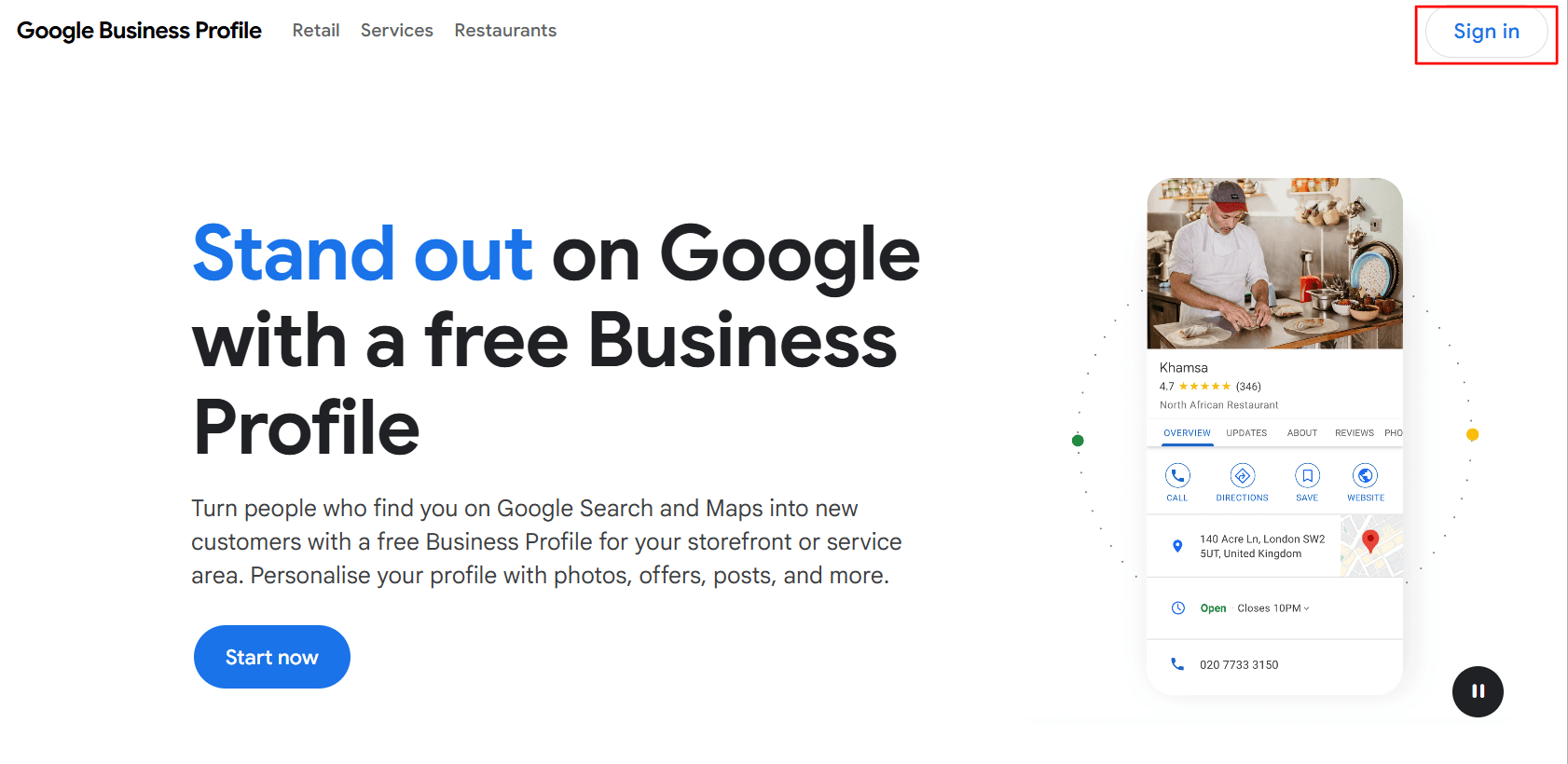
Log in using your Google account. It’s best to log in using a business email.
Step 3: Provide Your Business Name
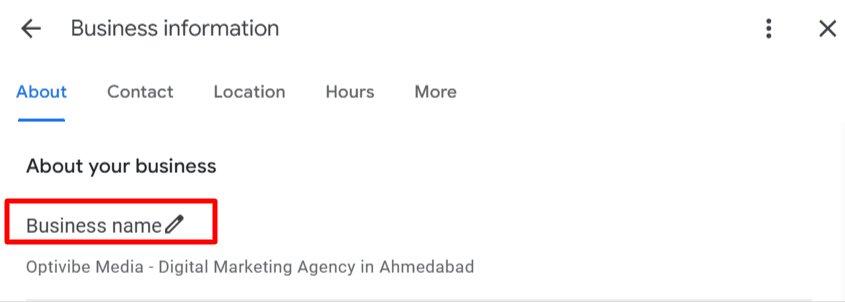
Provide the exact name of your business.
Step 4: Pick a Category
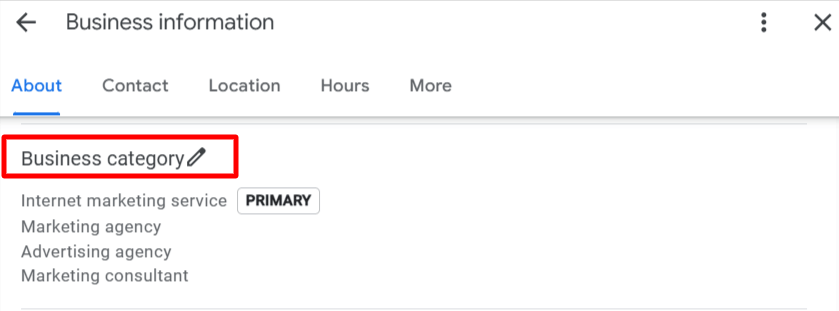
Select a category suitable for your business.
Step 5: Input Your Location
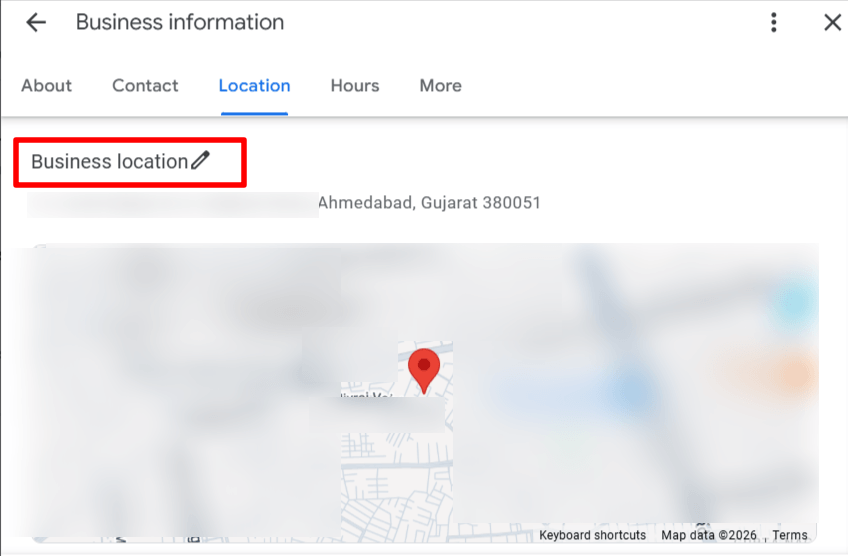
Enter your business location if you offer services at a physical location.
Step 6: Provide Contact Information
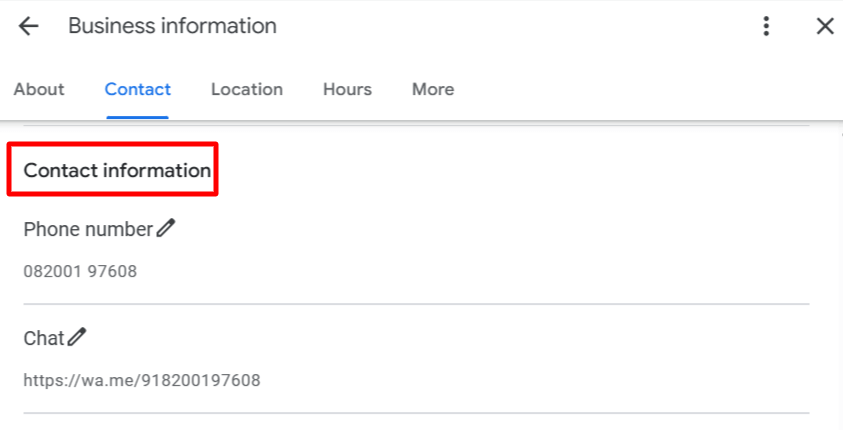
Provide your contact details, such as phone number and website.
Step 7: Verify Your Business
Google will send you a verification link by postcard, phone, or email.
How to Claim an Existing Google Business Profile
Sometimes, your business may have an existing entry with Google. This means you must claim that entry and not create a new listing.
Here’s how to do it.
Step 1: Search for Your Business on Google
Search for your business on Google by typing business name into the search bar.
Step 2: Choose the Claim button
You should see a button to claim your business if it is already listed on Google but not claimed.
Step 3: Confirm Ownership
You will have to confirm your ownership of the business using any of the following methods.
- Phone
- Postcard
After confirming your ownership, you will gain control over your Google My Business listing.
How to Request Access to a Listing Managed by Someone Else
In some cases, the account of your company may be managed by someone else, such as former employers or an advertising firm. There’s no need to make a new listing.
Use these instructions when requesting permission.
Step 1: Search for your Business Listing
Perform a search for your business on Google.
Step 2: Click “Request Access”
Click on button Request access to claim ownership of the account.
Step 3: Fill the Form
Give your details and request access from the current owner.
Step 4: Wait for Response
The current owner has a set period to either accept or reject the request.
If there is no response, Google may give you the option to claim the listing after some time.
How to Optimize Google My Business Listing
Making your profile is only the beginning. What you must focus on is optimizing your Google My Business listing.
- Choose the Right Categories: Select a primary category relevant to your service. Add extra ones if needed.
- Add High Quality photos: Images help bring in customers. Add store images, interior photos, and product images.
- Get Customer Reviews: Ask your customers for reviews. More reviews mean more credibility. Responding to customer reviews is important.
- Update Information Regularly: Make sure to update your business information whenever necessar
- Make Use of Keywords: Use keywords such as “my Google Business Profile” when writing your description, but do not overdo them.
- Mention Your Services/Products: State your services to help potential clients learn about them.
- Post Updates Regularly: Post information on deals, news, or updates.
Important Details to Add in Your Profile
Once you’ve added my business on Google for free, make sure you have all these details in place to perform well.
- Business Name: Your real business name should be used. Extra keywords are not allowed.
- Address: Your address should be correct and match other sites.
- Contact Number: It should be active and reachable by customers.
- Business Timing: Include your opening and closing hours.
- Website: Provide your website link.
- Description: Include what your business does in clear words.
The Advantages of Google My Business
Before you add my business to Google for free, it’s important to understand why it matters so much.
1. Higher Online Visibility
When consumers perform a search for certain services, their searches will bring your business up.
2. Builds Customer Trust
Businesses with profiles that have pictures, reviews, and more will seem more trustworthy.
3. Drives More Traffic
Customers can visit your site, call you, or find directions to your business.
4. Helps Local SEO
A properly run Google My Business listing increases your chances of appearing high on local search results.
5. Free and Easy to Use
You don’t need a budget to get started. Anyone can add my business to Google for free and manage it easily.
6. Direct Customer Interaction
Your customers can query you, rate your business, and engage with your page directly.
Wrapping It Up
The best way to promote your business online is through a My Google Business Profile. It provides customers with easy access to locate, trust, and reach you immediately.
All you need to do is add your business on Google, and the process is quick and free to claim or obtain access to your business listing through Google.
Your profile should be fully up to date and active at all times. Your Google My Business profile can help generate leads and grow your business over the long term.
If you haven’t added your business profile on Google yet, now is a free opportunity to add my business to Google for free.